Compare · Free pixel art software
The best free pixel art software
You don’t need to pay for a good pixel-art editor. Here are the six free options worth knowing, what each is best at, and how to choose. We are a LibreSprite site, so we tested LibreSprite in depth; for the others we say exactly what we ran and what comes from their official pages.
On this page 9 sections
Short answer
What is the best free pixel art software?
For sprites and animation: LibreSprite (closest to Aseprite, light, scriptable) or Pixelorama (newer, actively growing, has tilemaps and effects, runs in a browser too). For a quick start with no install: Piskel in the browser. If you already paint in Krita, it can do frame-by-frame pixel animation; GIMP works for still pixel art but is clumsy for animation. GrafX2 suits fans of classic 256-colour Deluxe Paint-style work.
At a glance
| Editor | Best for | Animation | Runs on | Licence | How we checked |
|---|---|---|---|---|---|
| LibreSprite 1.3 | Sprites and frame-by-frame animation, Aseprite-style workflow | Timeline, onion skin, tags, sprite sheets | Windows, macOS, Linux; older Android APK; browser (dev build) | GPL-2.0 | Tested on all three desktop systems |
| Pixelorama 1.2.3 | Sprites, tiles, animation with effects | Timeline, onion skin, tags | Windows, macOS, Linux, browser | MIT | Ran desktop (Linux) and web builds; opened our files |
| Piskel | Quick sprites and GIFs, beginners | Frame list, live preview | Browser (plus an older offline app) | Apache-2.0 | Ran it in the browser; imported our GIF |
| GrafX2 2.8 | 256-colour, palette-based art in the Deluxe Paint tradition | Basic | Windows, Linux, macOS and more | GPL-2.0 | Ran it on Linux; opened our GIF |
| Krita 6.0.4.1 | Painters who also want pixel art and animation | Full animation timeline | Windows, macOS, Linux, Android tablets/Chromebooks | GPL-3.0 | Ran it on Linux; opened our GIF |
| GIMP 3.2.6 | Still images and photo editing; occasional pixel art | Layers as frames, GIF export | Windows, macOS, Linux | GPL-3.0 | Ran it on Linux; opened our GIF |
Versions are the ones we ran on 1 November 2026: the desktop programs on a clean Ubuntu 24.04 machine, opening the same files exported by LibreSprite (a 4-frame GIF, a PNG sprite sheet, an .ase). Platform and licence facts are from each project’s official pages. Aseprite (paid, $19.99 on Steam) is the commercial reference point: is Aseprite free?
LibreSprite
The free fork of Aseprite’s 2016 code: a dedicated sprite editor with a pixel-perfect pencil, layers, a timeline with onion skin and tags, sprite-sheet export with JSON, a command line for batch export, JavaScript scripting and new symmetry modes in 1.3. It is small (about 30 MB to download on Windows) and quick to learn, and Aseprite tutorials for the basics apply directly.
Missing: layer groups, tilemap layers, a gradient tool, built-in outline or hue/saturation. Pick it if you want the classic Aseprite workflow for free. Getting started · vs Aseprite
Pixelorama
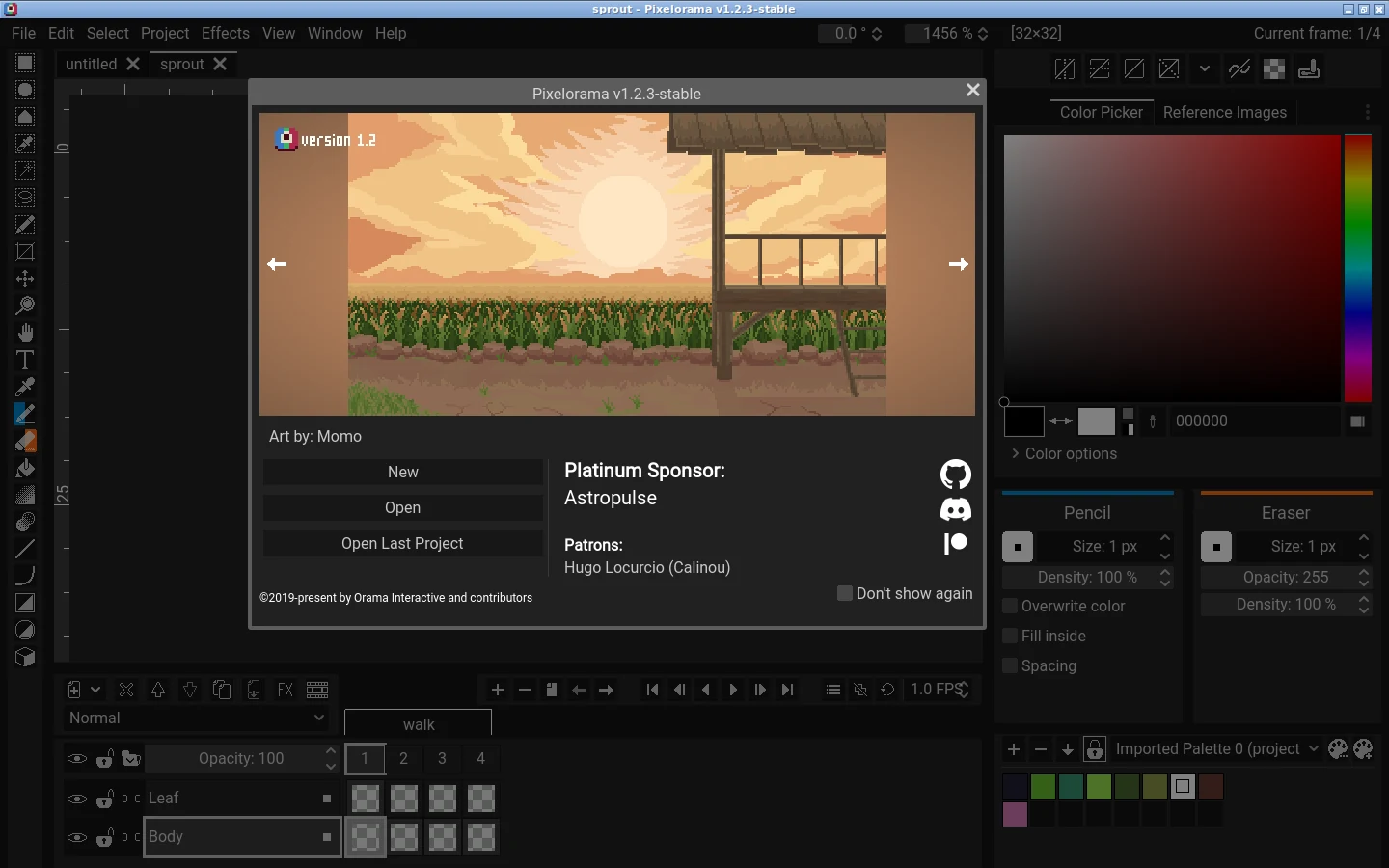
A younger open-source editor built with the Godot engine and developed by Orama Interactive. We ran version 1.2.3 on Linux and in the browser. The desktop build opened our LibreSprite .ase with both layers, all four frames, the tag and the palette, plus our GIF and PNG sheet. Its menus include an Effects menu (Transform, Color, Procedural, Blur), Tile Mode, Mirror View and a Reference Images panel; according to the project’s feature list it also has tilemap layers. The Linux download is 31 MB. LibreSprite vs Pixelorama.
Pick it if you want an actively developed editor with tilemaps and effects that LibreSprite lacks, or need one that also runs in a browser.
Piskel

The easiest start: open the website and draw. Our test sprite opened at 32 × 32 with the frame list on the left and a live animation preview (12 FPS) on the right, plus layers and palettes. It exports GIFs and sprite sheets.
When we imported a LibreSprite GIF (4 frames, 250 ms each), Piskel kept the frames but played them at its default 12 FPS, because it has one speed for the whole animation. It exports GIFs, PNG sheets (with JSON for PixiJS), ZIPs of frames and C files, and imports PNG, JPG, BMP and GIF, but not .ase. LibreSprite vs Piskel.
Limits: a simpler tool set, and it is best for small sprites. Pick it if you are trying pixel art for the first time or are on a computer where you can’t install anything.
GrafX2
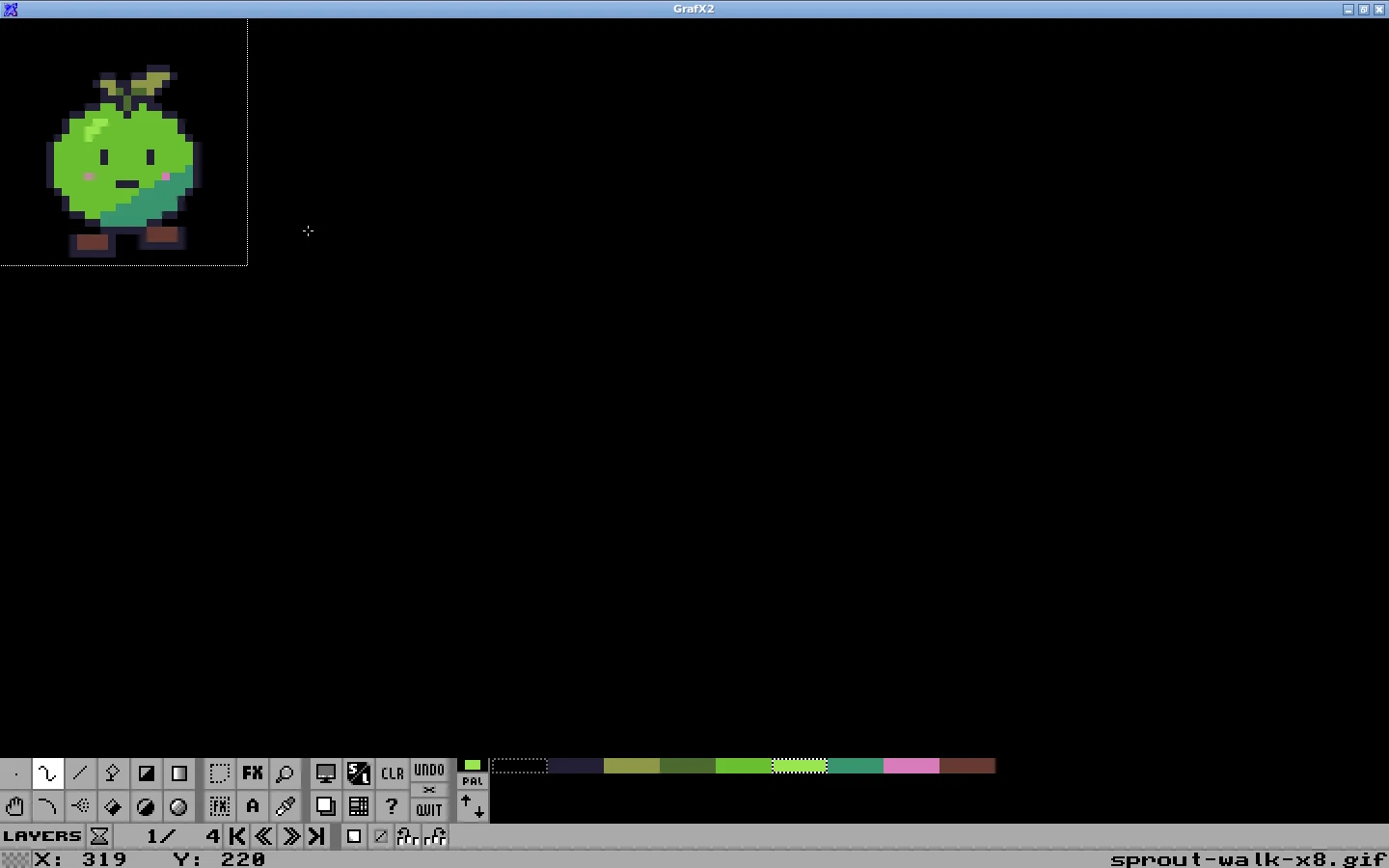
A long-running open-source bitmap editor inspired by the Amiga program Deluxe Paint, focused on 256-colour, palette-based work with many drawing effects. It shines for strict-palette art and retro platforms; animation is basic, and its interface feels unusual if you are used to modern apps. Linux users typically install it from their distribution: we ran Ubuntu’s GrafX2 2.8, which opened our 4-frame GIF as 4 frames with its palette.
Krita
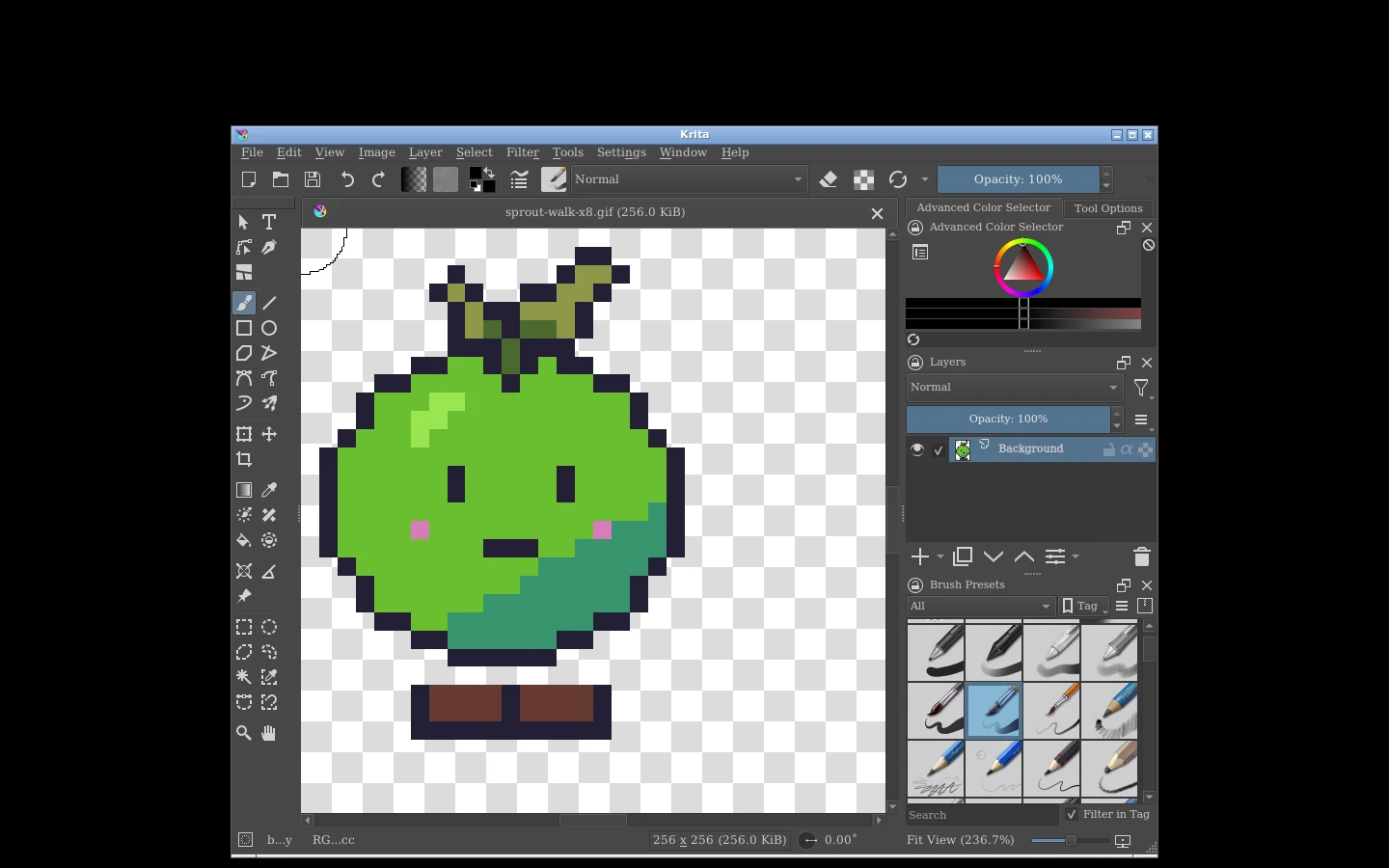
A full digital-painting program that can also make pixel art: it has pixel-art brush presets, nearest-neighbour scaling and a proper animation timeline with onion skin. It is much larger and heavier than the dedicated tools, and pixel-specific features (like palettes and sprite sheets) take more setup. Pick it if you already paint in Krita and only sometimes need pixels. Krita 6.0.4.1 opened our 4-frame GIF as a single image layer, without the other frames, so bring animations in as image sequences instead.
GIMP
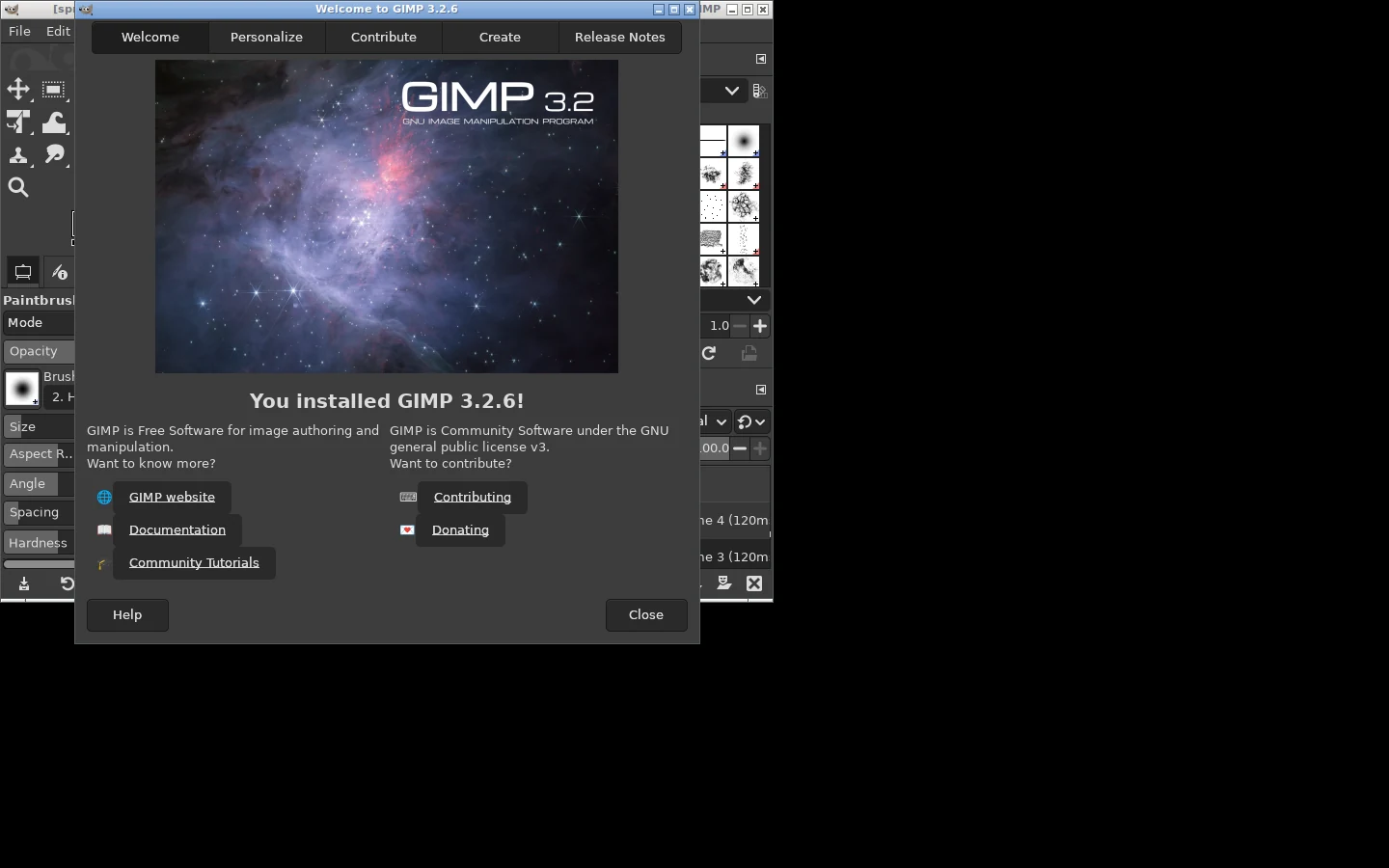
The general-purpose image editor. With the Pencil tool, a 1 px brush and a grid you can make still pixel art, and layers can be exported as GIF frames, but there is no animation timeline or onion skin. Fine if it is already installed; for regular pixel art, a dedicated editor is far more comfortable. GIMP 3.2.6 opened our 4-frame GIF as 4 layers, one per frame (indexed, 8-bit).
Which one should you pick?
| Situation | Our pick |
|---|---|
| Beginner, wants to try today | Piskel in the browser, then LibreSprite or Pixelorama |
| Game sprites and animation on Windows, macOS or Linux | LibreSprite or Pixelorama |
| Following Aseprite tutorials without paying | LibreSprite |
| Need tilemaps or built-in effects | Pixelorama (or paid Aseprite) |
| Chromebook or school computer | A browser editor (Piskel, Pixelorama web); see LibreSprite online |
| Android tablet | The LibreSprite APK or Krita |
| Retro, strict 256-colour work | GrafX2 |
| Mostly painting, sometimes pixels | Krita |
FAQ
Is there a free version of Aseprite?
Aseprite’s source can be compiled for personal use, and LibreSprite is the free fork of its older open-source code. The details.
What do professional pixel artists use?
Aseprite is the most common paid tool; many also use free editors, Photoshop or Krita. The tool matters less than the basics: palette, clean lines, and animation timing.
Is LibreSprite or Pixelorama better?
LibreSprite is closer to Aseprite and very stable for sprites and animation; Pixelorama adds tilemaps and effects and is changing faster. Both are free; try both.
Can I make pixel art on an iPad for free?
LibreSprite has no iPad version; browser editors such as Piskel work in Safari. iPad options.
Keep going
Found something wrong or out of date? Tell us: hello@libresprite.dev. We fix mistakes within a day.